

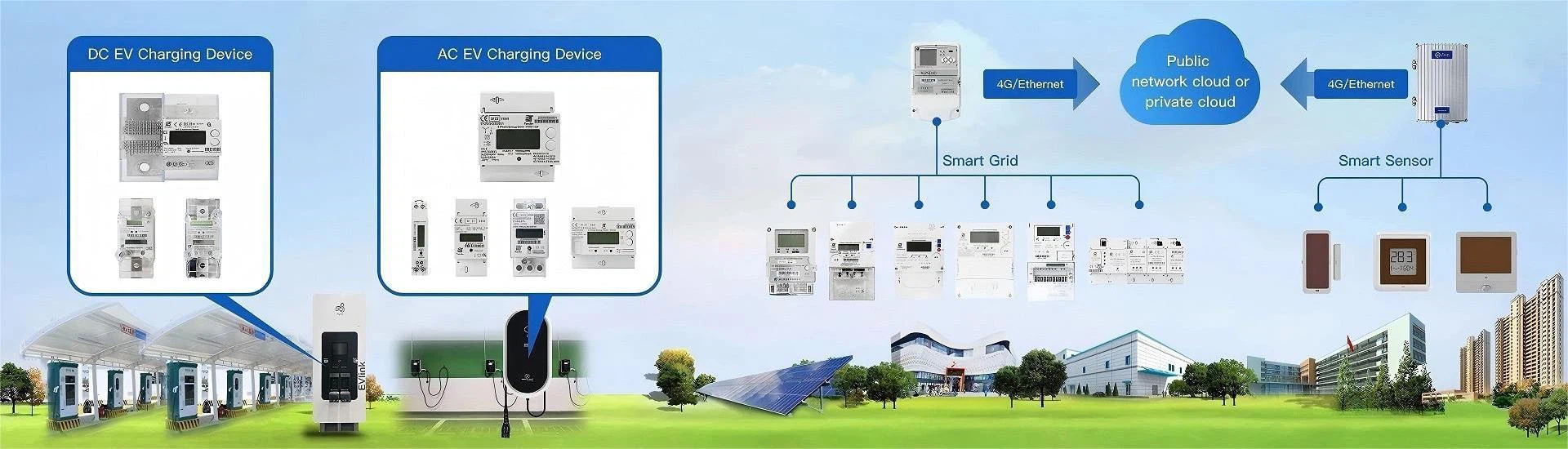
The Modbus RTU protocol is like a "common language" between industrial devices, enabling smooth "communication" between devices such as electricity meters and sensors from different brands.
Modbus Communication Protocol Application Demonstration
This article will guide you through the application of Modbus RTU in energy meters in the simplest and most understandable way. Even if you are a complete novice with no technical background, you can easily grasp the core points of this important industrial communication protocol.

What is the Modbus RTU protocol?
Modbus RTU is a serial communication protocol originally developed by Modicon (now part of Schneider Electric) in 1979 for its PLCs (Programmable Logic Controllers).
Today, it has become one of the most widely used protocols in industrial automation, supported by over 400 manufacturers worldwide.
Why is it called "RTU"? RTU is an abbreviation for "Remote Terminal Unit," indicating that this protocol is primarily used for communication between remote devices. It's like a "texting system" between electrical equipment, exchanging data through a simple request and response mechanism.
How does Modbus RTU work?
Modbus RTU uses a master-slave communication architecture, like a teacher and students in a classroom.
- Master: The "teacher," typically a computer, PLC, or concentrator, is responsible for initiating questions and commands.
- Slave: The "student," such as an electricity meter or sensor, can only answer the teacher's questions and cannot speak independently. (In electricity meter applications...)

Modbus RTU Message Format
"SMS Template" Between Devices
Modbus RTU communication messages are like carefully crafted text messages, with fixed format requirements.
A complete Modbus RTU message contains the following parts:
| Address Code | Function Code | Data Field | Check Code |
|---|---|---|---|
| 8-Bits | 8-Bits | N × 8-Bits | 16-Bits |
- Address Code (1 byte): Equivalent to a "recipient's phone number," identifying the address of the target energy meter (1-247), with 0 for a broadcast address.
- Function Code (1 byte): Equivalent to a "text message type," instructing the energy meter on the operation to perform (e.g., reading data, writing data, etc.).
- Data Field (N bytes): The specific information to be transmitted, such as register address, data value, etc.
- CRC Checksum (2 bytes): Equivalent to an "anti-counterfeiting code," used to check for errors during transmission.
A typical message for reading total positive active energy data from a UBS energy meter is as follows:
[Address 00][Function Code 03][Start Address 00 0C][Read Length 00 02][CRC Checksum 05 D9]
This is equivalent to saying: "All meters, please read data from register 000C, starting with register 1."
After receiving the message, meter #1 will reply with:
[Address 01][Function Code 03][Data Length 04][Data 00 00 00 00][CRC Checksum FA 33]
This means: "Meter #1 replied: The total positive active energy data value read is 00 00 00 00 (hexadecimal)" (Note: This meter #1 is a new, unused meter). The image below is a test demonstration:

The "Data Book" in an Electricity Meter: Register Explained
In the Modbus RTU protocol, all data from an electricity meter is stored in a "spreadsheet"-the register. Registers are mainly divided into four types:
| Register Type | Read/Write Permission | Function Codes | Typical Stored Content |
|---|---|---|---|
| Coil Register | Read/Write | 01, 05 | Relay status, switch control |
| Discrete Input Register | Read-only | 02 | Digital input (e.g., alarm signals) |
| Input Register | Read-only | 04 | Real-time measurement data (voltage, current, etc.) |
| Holding Register | Read/Write | 03, 06 | Device parameters, accumulated energy, etc. |
In electricity meter applications, the most common registers are:
Input Register
(Function Code 04H): Stores real-time measured data such as voltage, current, and power.
Holding Register
(Function Code 03H): Stores accumulated electricity consumption, device parameters, etc.
UBS Energy Meter Modbus Register Address Information Table
The Modbus protocol broadcast address is 0x00. For detailed Modbus protocol register address information for UBS energy meters, please see the table below:
| Register (Hex) | Variable Name | Attribute (Unit / R/W) | Data Type | Count | Remarks |
|---|---|---|---|---|---|
| 0x0000 | DC Voltage | Unit: V, R/W: RO | S16 | 1 | Range: -9999~9999; Reading = Effective Value × 10^(Decimal Point) |
| 0x0001 | Voltage Decimal Point | Unit: None, R/W: RO | U16 | 1 | Fixed value: 0 |
| 0x0002 | DC Current Value | Unit: A, R/W: RO | S16 | 1 | Range: -9999~9999 |
| 0x0003 | Current Decimal Point | Unit: None, R/W: RO | U16 | 1 | Fixed value: 1 |
| 0x0008 | Power Value | Unit: kW, R/W: RO | S16 | 1 | Range: -9999~9999 |
| 0x0009 | Power Decimal Point | Unit: None, R/W: RO | U16 | 1 | Fixed value: 1 |
| 0x000C | Total Forward Active Energy | Unit: 0.001kWh, R/W: RO | U32 | 2 | High byte first, low byte last; Example: If data read = 5000, decimal point = 2 → Actual value = 5000 × 10^(2-3) = 500.0 |
| 0x203C | Channel 1 Voltage | Unit: 0.0001V, R/W: RO | I32 | 2 | High byte first, low byte last |
| 0x203E | Channel 2 Voltage | Unit: 0.0001V, R/W: RO | I32 | 2 | Always 0 |
| 0x2040 | Channel 1 Current | Unit: 0.0001A, R/W: RO | I32 | 2 | High byte first, low byte last |
| 0x2042 | Channel 2 Current | Unit: 0.0001A, R/W: RO | I32 | 2 | Always 0 |
| 0x2044 | Channel 1 Power | Unit: 0.0001kW, R/W: RO | I32 | 2 | High byte first, low byte last |
| 0x2046 | Channel 2 Power | Unit: 0.0001kW, R/W: RO | I32 | 2 | Always 0 |
| 0x9A00 | Forward Active Total Energy | Unit: kWh, R/W: RO | float | 2 | |
| 0xA001/0x8900 | Device Address | Unit: None, R/W: RW | U16 | 1 | Range: 0~247 |
Demonstration of Reading UBS Energy Meter Messages
Using the UBS energy meter host computer software, read the following data from the DJZ1226 DC smart energy meter: total positive active energy, voltage, current, power, and meter address.

As shown in the diagram above, the detailed message content sent and received by the host computer is as follows:
13:25:30.229 Total positive active energy(000C0002) ...
13:25:30.256 ▼Send:00 03 00 0C 00 02 05 D9
13:25:30.344 ▲Receive:01 03 04 00 00 00 00 FA 33
13:25:30.359 DC voltage(00000002) ...
13:25:30.424 ▼Send:00 03 00 00 00 02 C5 DA
13:25:30.428 ▲Receive:01 03 04 00 17 00 03 0A 36
13:25:30.494 DC current(00020002) ...
13:25:30.522 ▼Send:00 03 00 02 00 02 64 1A
13:25:30.610 ▲Receive:01 03 04 00 30 00 02 7B FD
13:25:30.621 Power(00080002) ...
13:25:30.682 ▼Send:00 03 00 08 00 02 44 18
13:25:30.690 ▲Receive:01 03 04 00 01 00 02 2A 32
13:25:30.702 Communication Address 2(A0010001) ...
13:25:30.779 ▼Send:00 03 A0 01 00 01 F6 1B
13:25:30.783 ▲Receive:01 03 02 00 01 79 84
13:25:30.795 End of reading data.
Common Problems and Troubleshooting Techniques
Even though the Modbus RTU protocol is relatively simple, various problems may still arise in practical applications. The following are common faults and solutions in electricity meter communication:
No Communication Response
● Check Physical Connections:
▪ Is the RS-485 wiring correct (A/B lines reversed)?
▪ Are the terminating resistors matched (generally, connect 120Ω resistors at each end of the bus)?
▪ Is the communication distance exceeded the limit (RS-485 theoretically can reach 1200 meters, but actual distances are affected by environmental factors).
● Verify Parameter Settings:
▪ Are the baud rate, data bits, stop bits, and parity settings consistent with the electricity meter?
▪ Is the device address set correctly (no duplicate addresses)?
Intermittent Communication
● Check for Line Interference:
▪ Use twisted-pair shielded cable and ensure that the shield is grounded at one end.
▪ Avoid running the cable parallel to high-voltage cables.
● Testing Individual Devices:
▪ Connect each electricity meter individually to troubleshoot faulty devices.
▪ Use UBS Electronics' dedicated host computer software (such as AMS) to communicate directly with the electricity meter and pinpoint the problem.
Data Errors
● Verifying CRC Check:
▪ Check if the sent and received CRC codes are consistent.
▪ Confirm the data byte order (Modbus RTU is usually little-endian).
● Checking Register Mapping:
▪ Confirm that the register addresses used are consistent with the electricity meter's manual.
▪ Note the register address offset.
If you need to use the UBS host computer software (Modbus RTU protocol) mentioned in this article, please contact the person in charge of your UBS electricity meter order and obtain more after-sales technical support.