

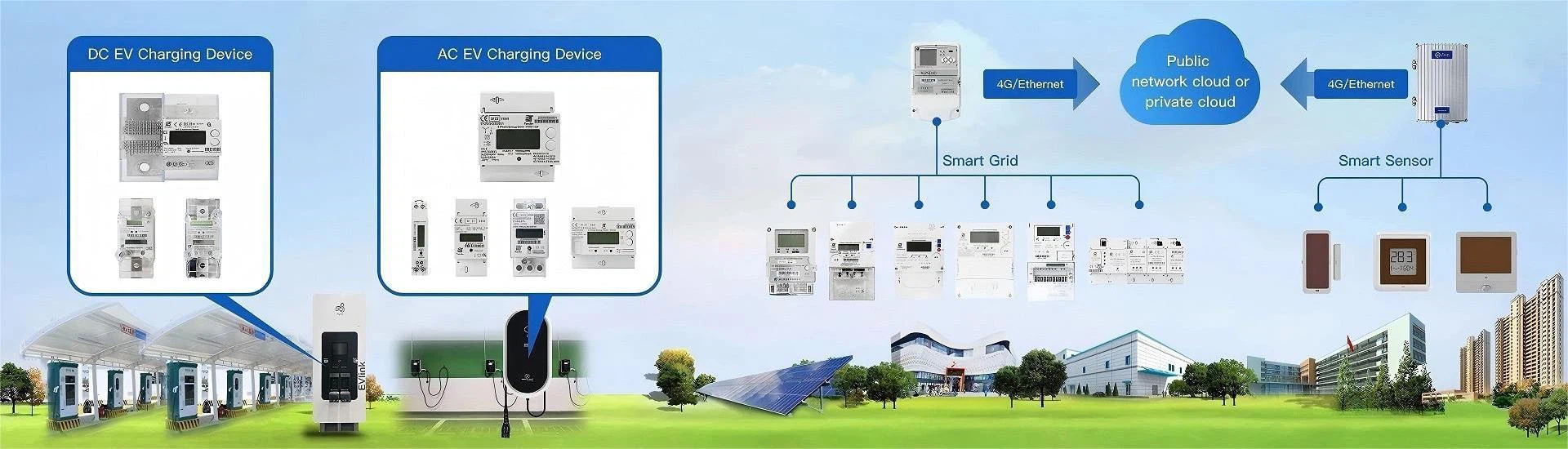
With the continuous development of smart grids, electronic meters have been widely used in homes and businesses, replacing traditional mechanical meters. Correctly reading the data of electronic meters is crucial for users to understand electricity consumption and calculate electricity bills. The display methods and functions of electronic meters are richer than those of traditional meters, so it is necessary to master their reading methods.
Content:
1. The display interface composition of electronic meters
2. Core electricity consumption data area
3. Auxiliary function information area
4. Reading methods of different types of electronic meters
4.1 Ordinary electronic meters
4.2 Intelligent remote electronic meters
5. Precautions for reading electronic meters
6. Distinguish power consumption in different time periods
7. Pay attention to data updates
8. Pay attention to abnormal data prompts
1. The display interface composition of electronic meters
The display interface of electronic meters is the core window for reading electricity consumption data. It usually contains multiple key information areas to clearly present various types of electricity consumption data.
2. Core electricity consumption data area
This area mainly displays the cumulative electricity consumption, usually in kilowatt-hours (kW・h), which is what we often call "degrees". The data generally consists of an integer part and a decimal part. The integer part represents a whole degree, and the decimal part is mostly one or two digits, representing a few tenths of a degree. For example, if "567.8" is displayed, it means that the cumulative electricity consumption is 567.8 degrees.
3. Auxiliary function information area
The auxiliary function information area will display some status information related to the operation of the meter, such as real-time power consumption parameters such as current voltage, current, and power. Some meters will also display the remaining power, electricity bill balance, communication status, etc. This information can help users understand the real-time situation of power consumption and the working status of the meter.
4. Reading methods of different types of electronic meters
Electronic meters are mainly divided into ordinary electronic meters and intelligent remote electronic meters. Different types of meters have different reading methods.
4.1 Ordinary electronic meters
Ordinary electronic meters do not have remote data transmission functions, and users need to directly view the display screen on the meter. When reading, make sure that the line of sight is level with the display screen in a well-lit environment to avoid reading errors due to angle problems. If the display screen is in a black screen sleep state, press the wake-up button on the meter to activate the screen before reading.
4.2 Intelligent remote electronic meters
In addition to reading data on the local display screen, intelligent remote electronic meters also support remote query. Users can log in to the corresponding power management platform through the mobile phone APP to view real-time power consumption, cumulative power consumption, power consumption details and other data at any time; they can also inquire through the power company's official website, WeChat public account or call the customer service hotline. In addition, the property of some communities will also synchronize power consumption data, and users can go to the property for consultation.
5. Precautions for reading electronic meters
To ensure the accuracy of the read data and avoid unnecessary trouble, pay attention to the following points when reading electronic meters.
6. Distinguish power consumption in different time periods
In some areas where peak and valley electricity prices are implemented, electronic meters will record power consumption in different time periods such as peak and valley. When reading, pay attention to distinguishing the power data of each time period to avoid confusion, so as to accurately calculate the electricity charges for different time periods.
7. Pay attention to data updates
The data update of electronic meters has a certain period, and the data transmission of smart remote electronic meters may have a slight delay. If users need to obtain the latest power consumption data, they can check the update time on the meter display or manually refresh the data through remote channels.
8. Pay attention to abnormal data prompts
When the electronic meter detects abnormal power consumption, such as overcurrent, leakage, etc., the display screen may show corresponding fault codes or prompt information. If users find such prompts, they should contact the power department for maintenance in time to ensure power safety.
Correctly reading the electronic meter data can enable users to clearly understand their own power consumption patterns, plan power consumption reasonably, and effectively save power costs. At the same time, timely detection of power consumption abnormalities can also ensure power safety and allow electronic meters to better serve users.